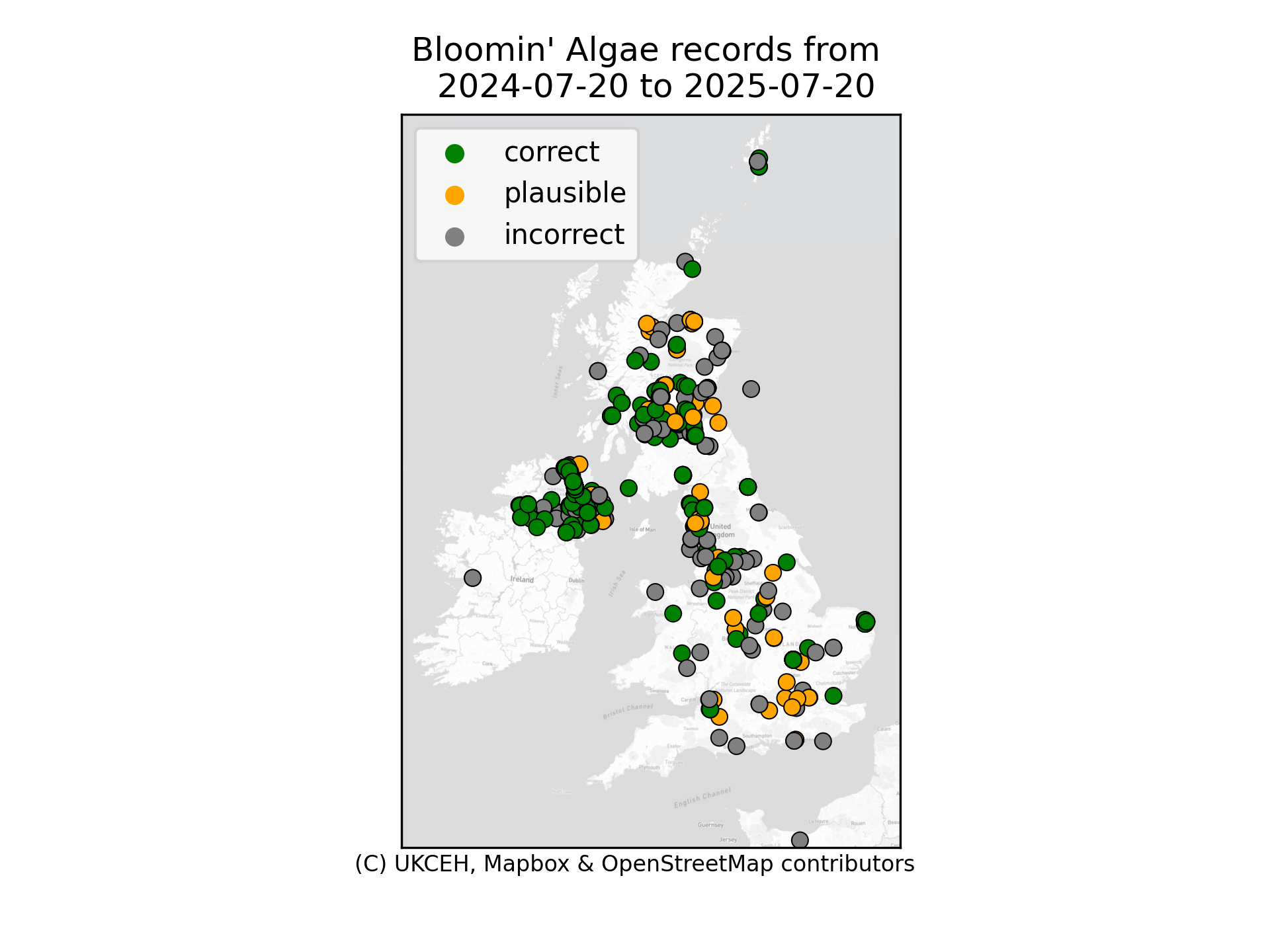
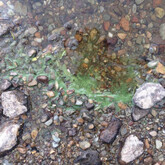
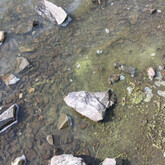
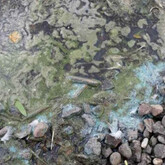
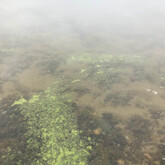
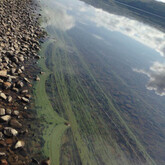
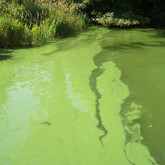
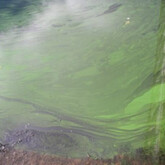
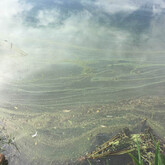
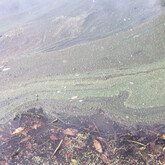
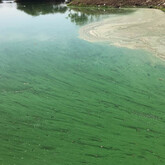
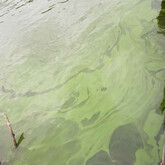
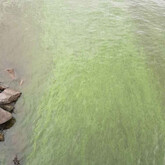
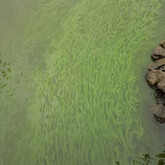
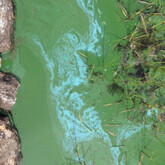
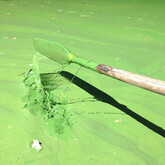
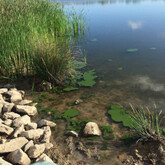
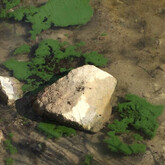
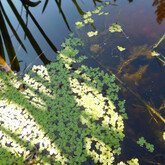
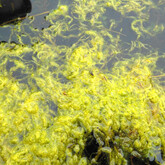
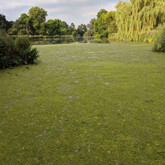
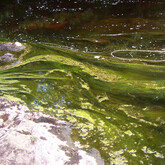
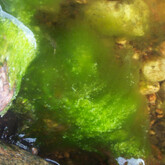
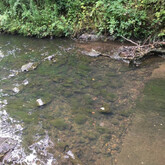
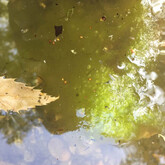
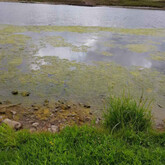
Bloomin’ Algae is a citizen science app for reporting the presence of blue-green algae, or cyanobacteria. The app helps speed up public health warnings about harmful algal blooms and can help teach you how to recognise the risks to you, children and animals.

Summer 2026 Newsletter

Bloomin' Algae app and how to help

We encourage you to download the latest version of the app (v3.2.5) that includes several improvements and bug fixes.

Image
Apple - Download on the App Store logo


Image
Get it on Google Play


You can download the app directly on Google Play or the App Store.
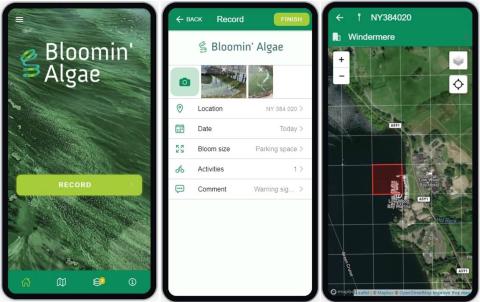
Image
Bloomin' algae app screenshots


Bloomin' algae app submitted records map. Updated daily.

Above: Map of records submitted through the Bloomin' Algae app.

By sending in your records of blue-green algae, you can help provide a rapid and more comprehensive picture of harmful algal blooms in your area. This will help inform the relevant environment agency, local authority or landowner of potential public health risks in your area so that, if needed, they can provide early warning to the public. As well as recording the location and date of the bloom, you need to submit a photo of the bloom to help us verify your record. Optionally, we ask you to tell us what activities take place at the lake e.g. swimming, dog walking, etc. This is to gauge the potential health risks to people or animals.

We try to provide rapid feedback on your record, within one or two days, to inform you of the health risks and to help you learn how to identify blue-green algae with more confidence.

You can view submitted records from your area in the app or on regional maps:

To see records submitted across all countries go to the Bloomin' Algae map.
New app features

‘No observed bloom’

Do you walk near the same lake or loch most days? Would you like to help us improve our understanding of when harmful algal blooms appear?

If so, this new ‘no bloom observed’ feature is for you. We would love for you to record both when you see blue-green algal blooms and when no bloom is present (zero abundance) whenever you pass by the same place. 

The ‘no bloom observed’ switch is at the bottom of the Record page in the app. Please only check this switch if there is definitely not a visible blue-green algal bloom at your location. Please continue to record suspected blue-green algal blooms as records too!

This new feature will help us learn more about how the weather and climate change are affecting the occurrence of blue-green algal blooms. 

You could help us even more by recording basic weather conditions in your comments, such as: 

  • Temperature in °C
  • Breezy, sunny, dry
  • Still, cloudy, light rain

In the future, this extra information will help us answer questions such as:

  • How far does a bloom move from day to day when it is windy?
  • How fast does a bloom disappear after rain?
  • How quickly does a bloom return once the sun comes out?

Secchi depth

To provide additional scientific data, some users may have access to a Secchi disc to measure water clarity. Secchi depth provides an indication of the amount of chlorophyll. Chlorophyll is found in algae and cyanobacteria, providing a proxy for algal abundance and overall ecosystem health. The further you can see into the water, the less chlorophyll there is likely to be. The Secchi depth field is not mandatory.

Multiple drafts of records

Out in the middle of the countryside with no access to the internet? Now you can save multiple drafts of your records and upload them when you have access to Wi-Fi.

New record category

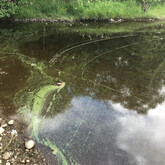
To distinguish unverified records from records that clearly do not show blooms (but may be duckweed or filamentous algae), there is a new category on the map. This ‘unable to verify’ category appears in blue on the map and either means that the photos are not clear enough or that we do not have an in-country verifier available to check the records.
If you know of someone in your local environmental protection agency, or college or university, who could help with bloom verification, please let us know at bloomin-algae@ceh.ac.uk.

About blue-green algae

Blue-green algae are a type of bacteria, known as cyanobacteria, which can produce toxic chemicals that are very harmful to the health of people and animals. Keep people and pets safe by recording algal blooms with the free Bloomin' Algae app.

What are blue-green algae?

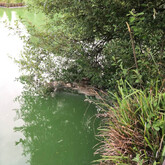
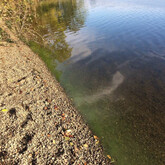
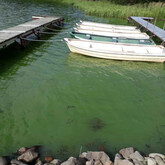
Blue-green algae naturally occur in lakes, ponds, canals, rivers and reservoirs around the world. They are actually a type of bacteria, known as cyanobacteria, which can produce toxic chemicals that are very harmful to the health of people and animals. They are particularly a health risk during warm summer months when their concentrations increase in the water to form blooms and scums on the surface. This can look like green or turquoise wispy paint, green scum or clumps of green particles. Often these surface scums accumulate along the shore where children or dogs play, or where livestock come to drink.

How to identify blue-green algae

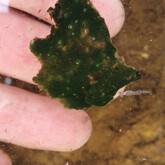
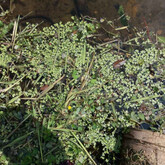
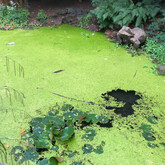
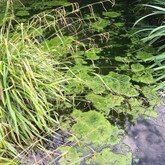
See the posters and photo gallery below for examples of blooms of blue-green algae and also photos of duckweed and filamentous algae, which can be mistaken as blue-green algae, but are harmless. One method you can use to check if it is blue-green algae is to poke the scum with a stick and if it breaks into small particles, or irregular-shaped clumps, it is likely to be blue-green algae. If, however, it has tiny round leaves (about 2-4 mm) it is most likely duckweed. If the stick brings up clumps of hair-like strands or soft tubes then it is harmless filamentous algae.

What are the dangers of blue-green algae to pets, people and ecosystems?

Blue-green algae can produce potent toxins that can result in a range of health effects in people and animals. Effects on people coming into contact with toxic scums include skin rashes, eye irritations, vomiting and diarrhoea, fever and pains in muscles and joints. Blue-green algae have caused the deaths of dogs, horses, cattle, birds and fish across the UK. If you are a pet owner you can find further information from the Blue Cross.

If you, or your pet, have become unwell after contact with water that you think may be contaminated with blue-green algae, we’d strongly recommend that you seek immediate medical or veterinary advice.

Download our information poster on blue-green algae for landowners, land managers or local authorities to use. This poster gives advice on what blue-green algae look like, health risks, how to stay safe and where to go for more help and advice.

Partners involved in the app

The re-design of the app was funded by RESAS, Scottish Government. The design was reviewed by representatives from the UK environment agencies and by Health Protection Scotland.

The app is also in use in Belgium, Chile, Greece, Kenya, Luxembourg, Netherlands and Norway with English, Dutch, French, Greek, Mapudungun, Norwegian, Spanish and Swahili language options.

Since leading the development of the app, Professor Laurence Carvalho, now working for Norwegian Institute for Water Research (NIVA), continues to collaborate with UKCEH to improve and advance the use of the app in the UK and abroad.

Further action and reporting harmful algal blooms

The responsibility to manage algal blooms lies with the owner of the water concerned. However, for enquiries relating to blue-green algae (cyanobacteria), please contact your local authority (e.g. environmental health department in UK). Your local authority will assess any action required against the relevant guidance and may contact the relevant environment protection agency for further water tests. You may also directly report incidents of algal blooms or water pollution incidents to your environment regulatory authority.

Official bodies:

Further guidance

How to use the app

Register and activate your user profile

When you submit your first record you will be asked to register an account with iRecord (the Citizen Science software we use). You can register for an account by clicking the menu button in the top left corner; the Register link is at the top of the list. After registering with the app you will receive a verification e-mail. We need you to authorise your e-mail address to be able to give you feedback on your submitted records.

Making your first record

To make a recording simply fill in the information on the Record page of the app. As well as recording the location and date of the bloom, it is important that you submit photos for us to check whether it is harmful blue-green algae. We also ask you to say what activities take place at the lake e.g. fishing, dog walking, etc. This is to gauge the potential health risks to people or animals.

Recording a precise location

On the “Location” section you can use your phone’s in-built GPS to record your precise location. We recommend you press the “Locate” button at the top right of the map to improve accuracy. Aim for an accuracy of 20 meters or less. In the “Location name” box, you can also type in a place name e.g. “south shore of lake“

Upload photos

To confirm your record it is important you send at least one clear photo. The “camera icon” at the top of the app Record page allows you to submit one or more photos. If you can, we recommend you send a close-up photo of the bloom.

Receiving notifications of records in your area

With an iRecord account you can set up an alert to receive email notifications of bloom records in your area. You can do this by going to iRecord's Species alert notifications.

  • Select “BloominAlgae” in the “Limit to survey” box.
  • Type “Cyanobacteria” in the “Alert species” box.
  • Do not change the option “<Select a species list>”.
  • Select “Countries 2016” in the “Location type” box
  • Select your country of interest in “Select location” (e.g. United Kingdom, Ireland, etc.), this brings up a new location box
  • Where it says “– Please select – “, select your region of interest.
  • You can continue to select a location within your region of interest until you get to your local area – typically a local authority area
  • Be sure to click subscribe!

You can choose to receive an alert for all submitted Bloomin’ Algae records from your area (“Alert on initial entry” check box), or check “alert on verification as correct” to just receive notifications of records considered correct.

If you want to receive records from more than one area or region, you need to repeat this notification process for each area of interest as only one location can be selected each time.

You will now receive emails about all submitted records in your selected location. You can change the frequency you receive these notifications through your account settings to either hourly, daily or weekly. To do this in iRecord go to “My account” (top right of iRecord home screen), click on “edit” tab, under “Email Digest frequency” select “Use advanced settings below” and then select the email settings that you prefer – we recommend you select “Hourly” frequency for comments on your records so you hear from us soon after we have checked your record.

Types of cyanobacteria

Wisps or foam

Wisps or foam of cyanobacteria Wisps or foam of cyanobacteria Wisps or foam of cyanobacteria Wisps or foam of cyanobacteria Wisps or foam of cyanobacteria Wisps or foam of cyanobacteria

Paint-like

Paint-like cyanobacteria from Loch Leven in August 2007 Paint-like cyanobacteria from Balloch (woronichinia) Paint-like cyanobacteria Paint-like cyanobacteria Paint-like cyanobacteria Paint-like cyanobacteria Paint-like cyanobacteria Paint-like cyanobacteria Paint-like cyanobacteria from Loch Nan in July 2015 Paint-like cyanobacteria

Cloudy

Cloudy cyanobacteria Cloudy cyanobacteria Cloudy cyanobacteria

Lumpy

Lumpy cyanobacteria Lumpy cyanobacteria Lumpy cyanobacteria Lumpy cyanobacteria

Often mistaken for cyanobacteria

Duckweed

Bush pond duckweed (Lemna) Duckweed Duckweed Duckweed

Filamentous algae

Filamentous algae in Bush pond, August 2016. Filamentous algae in Loch Leven, August 2016. Filamentous algae Green filamentous algae Green filamentous algae Filamentous algae Filamentous algae Filamentous algae Filamentous algae

Background video about the app

Listen to the scientific reasoning behind the app development and how you can get involved.

Freshwater ecologist with research interests in the physical and chemical factors influencing phytoplankton community structure and function.
Web developer in the Water Resources group responsible for the development of various portals.